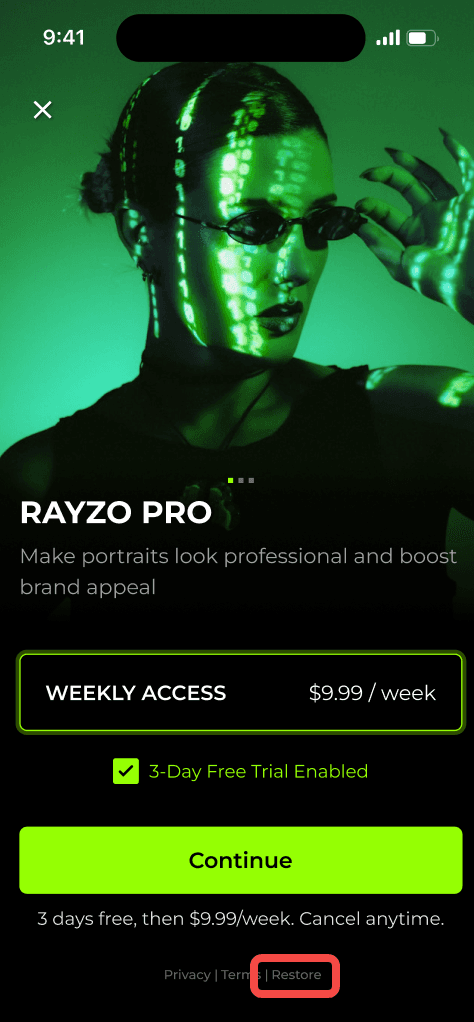
If you have subscribed to the Rayzo plan but are unable to retrieve your bound subscription account due to reasons such as uninstalling and reinstalling Rayzo or switching to a new device, you can follow the steps below:
Step 1: Make sure you are logged in to the same Google Play Store (or App Store) account that you used to subscribe to the Rayzo Pro plan.
Step 2: Open the Rayzo app and go to the home screen.
Step 3: Tap on the "Pro" icon in the top-left corner to access the subscription page.
Step 4: Tap the "Restore" button at the bottom.